
How to Search St. Lucie County Court Records
The official starting point is the St. Lucie Clerk court cases search page, which leads directly to the Benchmark WebExternal portal. That portal holds Circuit Court and County Court case data maintained by the Clerk of the Circuit Court and Comptroller. It covers civil, criminal, family, probate, guardianship, traffic, and other case categories. Not every case type shows full document access, but the docket is usually visible for most public matters.
Before you start, gather what you know. A full case number is the fastest path. If you only have a person's name, be precise about spelling because the system is literal. If you know the case type or a rough filing date, those filters narrow down results when a name search returns too many matches. Traffic searches work best with a citation number.
- Go to stlucieclerk.gov/public-search-gen/search-court-cases and follow the link to the Benchmark portal.
- Choose a search mode. The portal offers party name search, case number search, and citation number search depending on the module tab shown.
- Enter the best identifier you have. Use Last Name and First Name for a person, exact case number format for a case, or citation number for a traffic ticket.
- Apply optional filters such as Court Type or Division, Filing Date range, or Party Role to narrow results when the initial list is long.
- Click Search. Review the results list for matching party names, case numbers, filing dates, and case type.
- Open the case detail. The docket shows filings, motions, orders, hearings, judgments, and dispositions in chronological order.
- For documents not available online, contact the Clerk's office to ask about copy procedures, fees, and whether the record is archived, sealed, or restricted.
Note: Online access does not equal complete access. Sealed, expunged, juvenile, adoption, and some protected records may not appear or may show only limited information.
St. Lucie County Court Records Search Fields
The Benchmark portal exposes several input fields depending on which search tab is active. Some fields are required for the query to run; others are optional filters. The table below shows the full set of fields the portal may display. Using the most precise field combination gets the cleanest results. For common last names, adding a first name and a date range prevents a long, hard-to-scan list.
| Field Label | Type | Required | Notes / Format |
|---|---|---|---|
| Search Type / Search By | Tab or dropdown | Required | Selects party name, case number, or citation number mode. |
| Last Name / Business Name | Text | Conditional | Required when searching by party. Spelling must match the court file exactly. |
| First Name | Text | Optional | Narrows person searches. Leave blank if first name is uncertain. |
| Middle Name / Initial | Text | Optional | Useful when the last name and first name are common. |
| Case Number | Text | Conditional | Best identifier. Use the exact format shown on court notices or filings. |
| Citation Number | Text | Conditional | Used for traffic and citation records. |
| Filing Date From | Date | Optional | MM/DD/YYYY format if the date filter is displayed. |
| Filing Date To | Date | Optional | Pair with Filing Date From to restrict the results window. |
| Court Type / Division | Dropdown | Optional | Circuit civil, county civil, criminal, traffic, family, probate, juvenile may appear. |
| Party Role | Dropdown | Optional | Plaintiff, defendant, petitioner, respondent, appellant, appellee in some modes. |
| Search (button) | Button | N/A | Runs the query. |
| Reset / Clear (button) | Button | N/A | Clears all fields to start a new search. |
What St. Lucie County Court Records Show
A case record in the Benchmark portal is more than a name and a date. The detail page surfaces the case's full docket, party list, attorney assignments, financial data, and sometimes documents. The amount visible to the public depends on the case type and whether any confidentiality restrictions apply. Family cases, for example, may show a docket but redact financial affidavits and minor-related filings. Traffic cases often show payment status and fine amounts. Criminal dockets may show charging documents, bond orders, hearing schedules, and dispositions.
| Field | What It Shows |
|---|---|
| Case Number | Alphanumeric court case identifier assigned by the Clerk at filing. Traffic records may use citation identifiers. |
| Filing Date | Date the case or citation was opened or entered into the court system. |
| Court / Division | Circuit civil, county civil, family, probate, criminal, traffic, juvenile, or guardianship division. |
| Case Type | Divorce, small claims, felony, misdemeanor, probate estate, guardianship, eviction, traffic infraction, and others. |
| Status | Open, pending, disposed, closed, transferred, or sealed/restricted if displayed. |
| Parties | Party names and roles such as plaintiff/defendant, petitioner/respondent, or state/defendant in criminal matters. |
| Attorneys | Attorney names and the party each represents. Bar number may appear in some views. |
| Docket Entries | Chronological filing events: complaints, answers, motions, orders, hearings, judgments, dispositions, payments, continuances, and service events. |
| Hearings | Date, time, hearing type, courtroom, and judge if public access is permitted for that field. |
| Documents | PDF availability varies. Some documents are public; others are redacted, fee-based, sealed, or only available through a clerk copy request. |
Certain fields are always redacted in public view. Social Security numbers, bank account numbers, victim information, addresses under court protection, minor names, medical details, and sealed material do not appear. If a field shows as restricted or blank, that does not mean the record is wrong. It means the Clerk is applying Florida court access rules correctly.
Types of Court Records in St. Lucie County
St. Lucie County court records come from two trial courts: the Circuit Court and the County Court, both physically located at the St. Lucie County Courthouse in Fort Pierce. The Circuit Court handles the more serious or complex matters. The County Court handles lower-level criminal cases, civil disputes under a certain dollar threshold, traffic matters, and evictions. Both courts' records are filed with and maintained by the Clerk of the Circuit Court and Comptroller.
The range of record categories is wide. A person searching for a divorce file, a felony case, or a small claims judgment is looking at different dockets and different rules around what is public. Most civil and criminal dockets are open; many documents within those dockets are also public. But some case types carry built-in confidentiality from the start, and others may be partially or fully sealed by court order.
- Civil records, complaints, petitions, answers, motions, orders, judgments, and post-judgment collection filings in county civil, circuit civil, and small claims cases.
- Criminal records, charging documents, informations, indictments, plea forms, bond orders, sentencing orders, probation terms, warrants, capias entries, and judgment records for felonies (Circuit Court) and misdemeanors (County Court).
- Family court records, dissolution of marriage, paternity, timesharing, child support, domestic violence injunctions, name changes, and enforcement or modification filings. Financial affidavits and minor-related data may be redacted.
- Probate and guardianship records, petitions for administration, wills admitted to probate, inventory filings, creditor notices, accountings, and closing documents. Sensitive medical and financial details in guardianship files may be restricted.
- Traffic records, citation number, driver name, offense, statute, court date, plea, fine, costs, disposition, and payment status for civil infractions and criminal traffic offenses.
- Protective orders / injunctions, petitions, temporary injunctions, return-of-service documents, final injunctions, and modifications, with victim-identifying details often protected.
You can browse St. Lucie County court dockets to see filed events in a specific case without needing to pull the full document set. Dockets are useful for tracking hearing dates, motions, and orders in an active case.
Florida Public Access Laws and St. Lucie Court Records
Florida has one of the broadest public-records laws in the country. Florida Statutes Section 119.01 sets the state policy that public records are open for personal inspection and copying by any person. This is the foundation for access to clerk, sheriff, county, and state agency records across Florida, including St. Lucie County. The law presumes openness unless a specific exemption applies.
The practical mechanics of how to request records and what custodians must do are covered by Florida Statutes Section 119.07. That section tells custodians when they must respond, what fees they may charge, and how they must handle claims of exemption. For court records specifically, Florida Statutes Section 119.0714 is directly relevant because it addresses court-file information and confidentiality requirements that apply to clerks. Fees must be authorized by statute, and most standard copy requests are covered by the clerk fee schedule under Florida Statutes Section 28.24.
Anyone can inspect public St. Lucie County court records. No ID is required to search the online portal. For certified copies or in-person inspection of paper records, the Clerk may require a fee and will follow procedures set by Florida law. If a custodian denies access, the person making the request is entitled to know which exemption applies. Disputes over denied access can be taken to circuit court for judicial review.
The federal courthouse serving Fort Pierce is part of the U.S. District Court for the Southern District of Florida. The Southern District Fort Pierce division page provides information about the Fort Pierce federal courthouse location, filing procedures, and local rules. Federal cases such as federal criminal prosecutions, bankruptcy filings, and federal civil matters are held in federal court, not in the St. Lucie Circuit or County Court system.
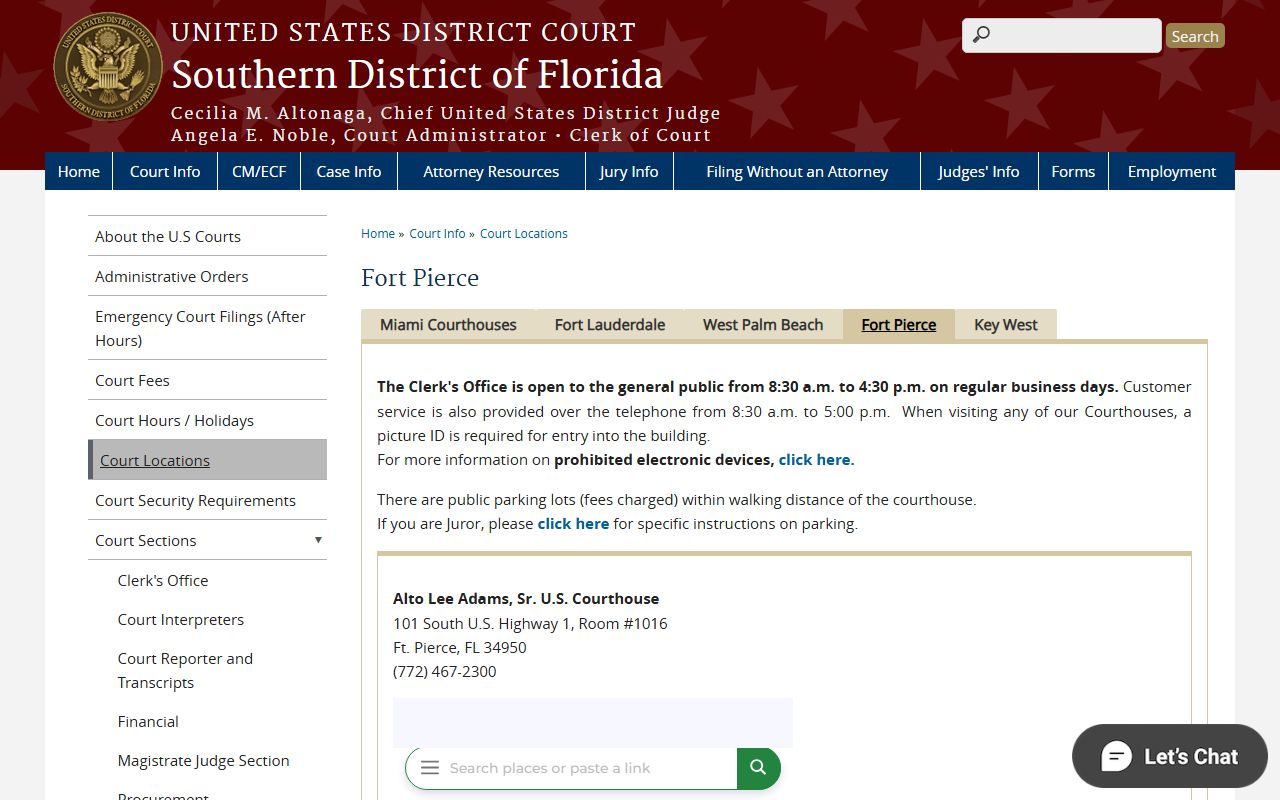
Federal court records for cases handled at the Fort Pierce division are accessible through the PACER system, which is separate from the St. Lucie Clerk portal. PACER covers district court civil and criminal dockets as well as bankruptcy filings through the Southern District's bankruptcy division.
Note: Case search results from the online portal should not be used as a substitute for a certified criminal history report or legal advice in proceedings that require official documentation.
Sealed and Confidential Records in St. Lucie County
Not every St. Lucie County court record is available to the public. Florida law and court rules create several categories of protected records, and the Clerk must withhold or redact those materials even when the rest of a case file is public. Understanding which categories are restricted helps explain why a specific record may not appear in a portal search or why a document shows blank or redacted fields.
The Florida Legislature has identified juvenile dependency records as confidential under Florida Statutes Section 39.0132. Dependency cases involve children at risk due to abuse, neglect, or abandonment. Because these files contain child welfare information, placement details, and family service records, the public-access rules are much narrower than for adult civil or criminal cases. Authorized parties such as the child, parents, and certain agencies may access them, but routine public lookup through the case search portal is not the norm.
The juvenile justice system has its own confidentiality layer under Florida Statutes Section 985.04. Juvenile delinquency records have special limits on dissemination. You should not expect to find a minor's delinquency case in a general case search the same way you would find an adult criminal matter. Access is controlled and limited to authorized parties and specific circumstances.
Adoption records are confidential under Florida Statutes Section 63.162. Getting access to an adoption file normally requires statutory authorization or a court order. The Clerk cannot provide open access to these records.
The Florida juvenile dependency confidentiality statute is reproduced and maintained on the Florida Senate's official statutes site. The screenshot below was taken directly from the statute page at flsenate.gov, which is the official source for Florida law text.
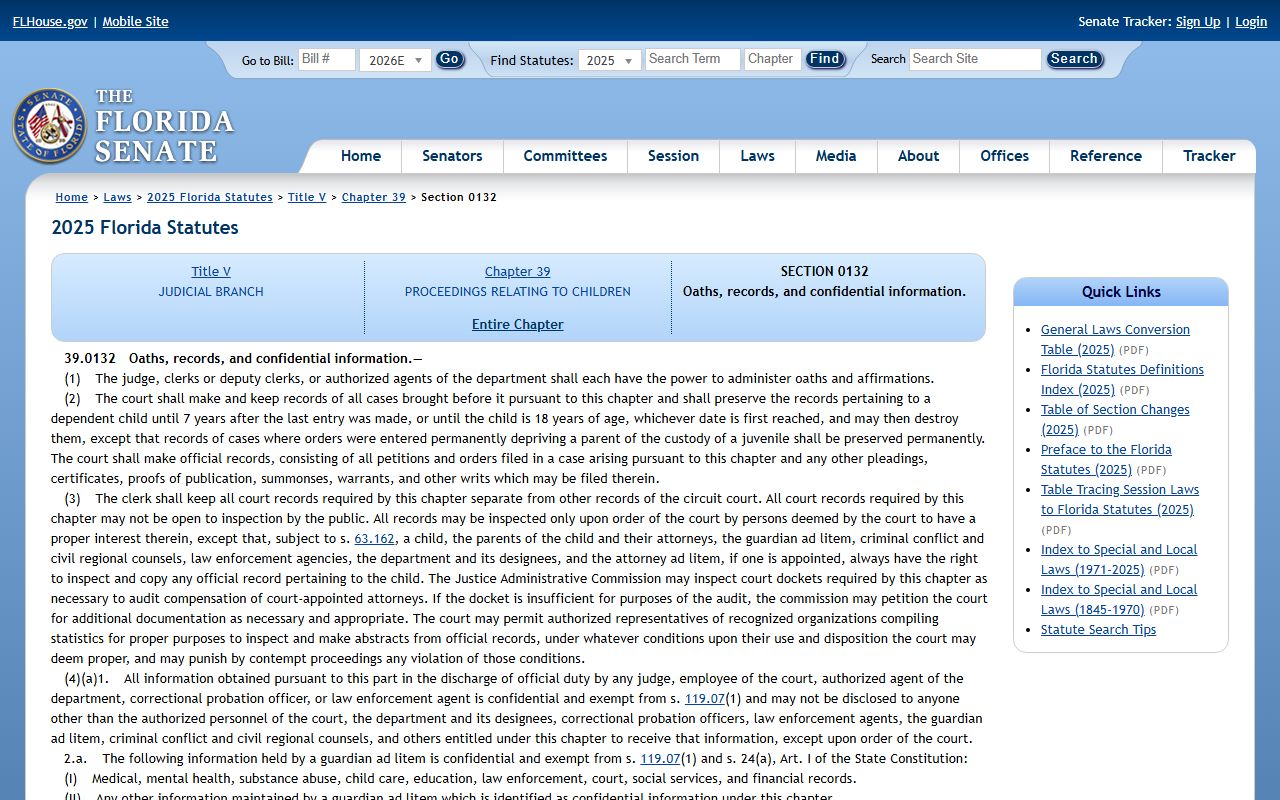
The text in that statute governs how the Clerk and courts in St. Lucie County must handle dependency case records, and it applies in every Florida county including St. Lucie. The same principle of strict confidentiality runs through the adoption and juvenile justice statutes as well.
Beyond those categories, other records may be sealed or restricted. Sealed criminal records under Florida Statutes Section 943.059 still exist in court files but are not publicly accessible. Expunged records under Florida Statutes Section 943.0585 are removed from ordinary public access more completely than sealed records. Mental health clinical records are protected under Florida Statutes Section 394.4615. Protective order files may have redacted victim addresses and identifying details. Grand jury proceedings are traditionally secret. Social Security numbers, bank account numbers, and medical information are redacted from all public documents under standard clerk procedures.
If you believe a record exists but cannot find it online, the absence may reflect a sealing or expunction order rather than a search error. You can contact the Clerk's office to ask whether a record exists, what category it falls under, and what process, if any, would allow access.
To seek access to a sealed record, a party must identify the record, explain the legal basis for access, and serve affected parties if required. The court then weighs the confidentiality law against the asserted need. This process is not the same as a routine records request and generally involves formal court proceedings.
In-Person Access to St. Lucie Court Records
Online search covers a large share of public records, but some requests still need to happen in person. Older case files, archived records, sealed materials subject to authorized access, certified copies, and documents not available through the portal all require direct contact with the Clerk. The Clerk maintains two locations: the main Fort Pierce office and a branch in Port St. Lucie. The main courthouse location handles the bulk of civil and criminal filing activity.
When visiting in person, bring whatever identifying information you have about the case: a case number, party names, an approximate filing date, and the case type. That information helps the Clerk's staff locate the record efficiently, especially for older files that may be in storage. For certified copies, fees apply. For records that require inspection rather than copying, the Clerk will direct you to the public access area.
Clerk of the Circuit Court and Comptroller
201 South Indian River Drive
Fort Pierce, FL 34950
Note: The Clerk's Port St. Lucie branch at 250 NW Country Club Drive, Port St. Lucie, FL 34986 handles many of the same services and may be more convenient for residents in the western part of the county.
Court Records vs. Official Records in St. Lucie County
The Clerk of the Circuit Court and Comptroller manages two separate record systems, and it is easy to search the wrong one. Court case search covers judicial cases: lawsuits, criminal matters, family cases, probate estates, and traffic citations. Official records search covers recorded documents: deeds, mortgages, liens, plats, satisfactions, notices, and other instruments recorded in the public record by property owners, lenders, and government entities.
A single transaction may touch both systems. A probate estate is a court case, but a deed transferring property out of that estate would be recorded in official records. A civil judgment is a court record, but a judgment lien recorded against real property is in official records. The court case search portal handles the judicial side. The Clerk's official records search handles the recorded-document side. Both are maintained by the same office and accessible through the same main website.
For St. Lucie County criminal records that go beyond what the court case portal shows, the Florida Department of Law Enforcement maintains the state criminal history database. FDLE background checks and certified criminal history reports draw from a broader dataset than the local Clerk portal alone. Those checks are a separate process from the court case search and carry their own fees.
Traffic cases are one area where multiple systems overlap. The court case search shows the citation status, plea, fine, and court disposition. But the Florida Department of Highway Safety and Motor Vehicles maintains the state driver record, which tracks points, license status, and driving history. A traffic court outcome may affect the driver record, but the court record and the driver record are different files from different agencies. For St. Lucie County traffic court records, the Clerk portal is the right place to start.