
What a St. Lucie County Court Docket Shows
A court docket is a running log of every action in a case. Each entry has a date, an event type, and sometimes a document reference. The docket is not the full case file. It does not contain the text of a motion, the exhibits attached to a complaint, or the audio from a hearing. What it does show is the sequence of events: when a complaint was filed, when each party was served, when motions came in, when the judge issued orders, when hearings were held, and how the case ended. For anyone trying to track a case or verify what happened on a specific date, the docket is the first thing to check.
St. Lucie County Circuit Court handles felony criminal cases, family law, probate, guardianship, juvenile dependency, and civil disputes where the amount in controversy exceeds the county court threshold. County Court handles misdemeanors, traffic, small claims, evictions, and lower-dollar civil matters. Both sets of dockets are maintained by the Clerk of the Circuit Court and Comptroller and are searchable through the same public portal. The Clerk, Michelle R. Miller, serves as the official custodian of court records for all active and archived case files in both courts.
Dockets differ from full case records in a practical way. The docket tells you what occurred and when. The full case record provides the documents themselves. A person reviewing a docket will see that a motion to dismiss was filed on a given date and ruled on three weeks later, but will not see the content of that motion or the ruling without pulling the document separately. Some documents are available online as PDFs; others require a copy request to the Clerk.
Note: Sealed, expunged, juvenile, adoption, and mental health records are either withheld or appear with restricted access under Florida Rule of Judicial Administration 2.420 and related statutes.
St. Lucie Court Docket Entry Fields
When you open a case detail in the Benchmark portal, the docket section lists entries in date order. Each row represents one action taken in the case. The table below shows the fields typically visible on a St. Lucie County public docket entry and what each one tells you about the case's progress.
| Docket Field | What It Shows |
|---|---|
| Entry Date | The date the event was entered or docketed by the Clerk. May differ slightly from the date of the underlying action. |
| Filing Events | Records when a complaint, petition, information, indictment, answer, or other initial document was received and filed. |
| Motions | Shows each motion filed by any party, including motions to dismiss, motions for summary judgment, and discovery motions. |
| Orders | Entries showing that the judge issued a ruling, signed an order, or directed the parties to take action. |
| Hearings | Scheduled or completed hearing dates, hearing type, and sometimes the courtroom or assigned judge. |
| Judgments | Final or enforceable decisions resolving claims, setting sentences, or imposing obligations on a party. |
| Dispositions | Outcome of a charge or the case as a whole, such as dismissed, guilty plea, not guilty verdict, or settled. |
| Payments | Fines, costs, and fees paid toward the case; partial or full satisfaction noted in some case types. |
| Continuances | Postponement entries when a hearing or deadline is pushed to a later date, usually at a party's request or by court order. |
| Service Events | Records showing when a summons or notice was served on a party, which is required to establish proper jurisdiction. |
Not every docket shows all of these fields. Traffic cases and small claims matters often have shorter dockets than complex felony or civil cases. A simple traffic citation may show only a filing date, a hearing entry, a payment or election entry, and a disposition. A multi-year civil dispute might have hundreds of docket lines covering repeated motions, discovery disputes, expert designations, and trial activity.
How to Search St. Lucie County Dockets Online
The Clerk's Benchmark portal at courtcasesearch.stlucieclerk.gov is the official public search tool for St. Lucie County court dockets. It covers Circuit Court and County Court cases. The Clerk's landing page at stlucieclerk.gov/public-search-gen/search-court-cases routes users directly to the portal. Access is free and no login is required for standard public docket searches, though some document downloads may require a copy request or fee.
- Open the Benchmark portal through the Clerk's court case search page. The portal loads a search form with options for case type and search mode.
- Choose your search method. The portal lets you search by party name, case number, citation number, or other available filters. A case number is the fastest path if you have one. Name searches work well for most civil and criminal matters.
- Enter the name or case number. For names, use the last name first. Include the first name to narrow results. For case numbers, use the exact format shown on any court notice, filing receipt, or prior docket printout.
- Apply optional filters. If the portal shows a court type or division filter, select the relevant one: Circuit Civil, County Civil, Family, Felony, Misdemeanor, Traffic, Probate, Juvenile, or another listed option. You can also filter by filing date range.
- Review the results list. Each result shows case number, filing date, case type, parties, and status. Click the case to open the detail view.
- Read the docket section. The detail view typically includes a case summary at the top followed by the chronological docket. Entries run from the filing date forward. Recent entries show the current state of the case.
- Check for linked documents. Some entries have a document link. Click it to see if the PDF is publicly available. If the document is not available online, note the entry date and contact the Clerk of the Circuit Court for a copy request.
- Contact the Clerk for older or missing records. Records not found online may be archived, filed before the portal's coverage window, confidential, or otherwise unavailable without a direct request. The Clerk's contact page is at stlucieclerk.gov/contact-us.
Courts That Publish St. Lucie Dockets Online
Several courts at the state and federal level have dockets relevant to St. Lucie County residents. Not all of them use the same portal. Knowing which system to check saves time, especially if a case could have been filed in either a state or federal court.
State court dockets for St. Lucie County are centralized through the Clerk's Benchmark portal. The Nineteenth Judicial Circuit, which covers St. Lucie, Martin, Indian River, and Okeechobee counties, administers Circuit Court. Circuit and County Court dockets both appear in the same Clerk search system. The Nineteenth Judicial Circuit's administrative site at circuit19.org covers judicial assignments, courtroom locations, and program information, but case-level docket searches run through the Clerk's portal.
For full case records beyond the docket, see the St. Lucie County court records page, which covers portal search fields, document access, and copy fees in detail.
- Circuit Court (Nineteenth Judicial Circuit): Felony, family, probate, guardianship, civil over the county threshold, and juvenile dependency. Dockets are public through the Clerk's Benchmark portal except for restricted categories.
- County Court: Misdemeanor, traffic, small claims, eviction, and lower civil. These dockets are also in the same Benchmark portal under the County Court or traffic division filters.
- U.S. District Court, Southern District of Florida: Federal civil, federal criminal, civil rights, Social Security appeals, and diversity cases. Federal dockets are accessed through PACER at pacer.uscourts.gov. The Fort Pierce divisional courthouse is the local federal venue.
- U.S. Bankruptcy Court, Southern District of Florida: Chapter 7, 11, and 13 cases for St. Lucie County residents and businesses. Accessible through PACER via the Bankruptcy Court's CM/ECF system at flsb.uscourts.gov.
Note: Municipal code enforcement proceedings and city ordinance matters are handled at the city level and do not appear in the Clerk's Benchmark court docket system.
Docket vs. Full Case Record in St. Lucie County
The difference between a docket and a full case record matters when you need more than a timeline. Attorneys, parties, journalists, and researchers often start with the docket to understand a case's history, then pull specific documents from the full file. A docket is quick to read and gives you the shape of a case. The full record provides substance.
| Docket | Full Case Record | |
|---|---|---|
| Format | Chronological list of events and actions | Complete documents, pleadings, orders, exhibits, and filings |
| Access | Free online search through the Clerk's Benchmark portal | Some documents online; others require copy request and fee |
| What you get | Case number, filing date, parties, event type, hearing dates, disposition | Text of motions, orders, exhibits, transcripts, financial statements |
| Best for | Tracking case progress, confirming a hearing date, checking disposition | Legal review, background checks, evidence research, certified copies |
| Fees | None for basic docket search | Copy fees apply per Florida Statutes section 28.24 |
| Restrictions | Sealed and confidential entries are hidden or redacted | Sealed, expunged, juvenile, adoption, and mental health records withheld |
Florida's public-records law under Florida Statutes section 119.01 establishes a strong presumption of access to government records. Court records operate under that framework alongside Florida Rule of Judicial Administration 2.420, which lists specific confidential categories. The Clerk applies both sets of rules when deciding what appears publicly in the docket and what requires a court order or other legal authority to access.
How to Read a St. Lucie County Docket
Docket entries use court abbreviations and shorthand. Once you know what the common terms mean, reading a docket becomes straightforward. The entries run newest to oldest or oldest to newest depending on the portal view, so check which direction you're reading before drawing conclusions about the case timeline.
A few terms appear often. "NOA" means Notice of Appeal, showing a party is challenging a decision. "MOT" or "Motion" means a party asked the court to act. "ORD" or "Order" means the judge responded. "HRG" or "Hearing" is a scheduled or completed court proceeding. "DISP" or "Disposition" is the final outcome of a case or charge. "CONT" means a hearing was continued (rescheduled). "CAPIAS" is a court order for arrest, often issued when a defendant fails to appear. "BOND" entries track the amount set, posted, or forfeited. In criminal dockets, the charge appears with a statute reference, degree (such as first or second degree felony or misdemeanor), and count number.
- Arraignment
- An early criminal hearing where the defendant is formally advised of charges and enters a plea.
- Plea
- The defendant's formal response to criminal charges: guilty, not guilty, or no contest.
- Disposition
- The outcome of a charge or the case overall, such as dismissed, adjudicated guilty, or case closed.
- Continuance
- A postponement of a scheduled hearing or deadline, usually at a party's request or by court order.
- Judgment
- A final or enforceable court decision, which in civil cases may also be recorded and become a lien on property.
- Capias
- A court-issued arrest order, often entered when a defendant fails to appear for a scheduled court date.
Family court dockets, including divorce cases, may show entries marked as restricted. Financial affidavits, social security numbers, and child-related information are redacted under Florida court rules. If docket entries reference a document that is not visible, contact the Clerk of the Circuit Court to ask about access and copy procedures. Some redacted content can be reviewed in person at the courthouse with proper identification and a stated legal basis.
Criminal and Civil Docket Differences
Criminal and civil dockets in St. Lucie County follow different patterns. Knowing which type you're looking at helps you interpret the entries correctly. A felony criminal docket and a civil breach-of-contract case both appear in Benchmark, but the event types are very different.
Criminal dockets, whether felony or misdemeanor, typically begin with an arrest, a first-appearance entry, and a charging document, which in Florida is usually an information filed by the State Attorney for the Nineteenth Judicial Circuit. The docket will then show bond entries, arraignment, pretrial motions, discovery notices, continuances, and eventually a plea or trial date. After disposition, you may see sentencing, probation terms, restitution orders, and post-judgment motions such as motions to modify probation. An arrest record and a criminal docket are related but not the same thing: the arrest record documents the initial booking, while the docket tracks the court case from charge to close.
Civil dockets, whether in Circuit Court or County Court, start with a complaint or petition. Service on the defendant is a key early entry. In an eviction case, the docket may be brief: complaint, service, answer, hearing, judgment. In a contract dispute, it may run many months and include discovery deadlines, expert designations, motions for summary judgment, mediation entries, and trial settings. Probate dockets show the petition for administration, orders appointing personal representatives, creditor notices, accounting submissions, and closing orders.
The Florida Courts standards for access to electronic court records govern what each case type exposes publicly in online dockets. Juvenile delinquency records under Florida Statutes section 985.04 are confidential. The image below is sourced from the Florida Senate and illustrates the juvenile justice records confidentiality framework that limits what appears in public dockets for minors.
The following screenshot comes from flsenate.gov, showing the statute governing juvenile justice records confidentiality in Florida courts.
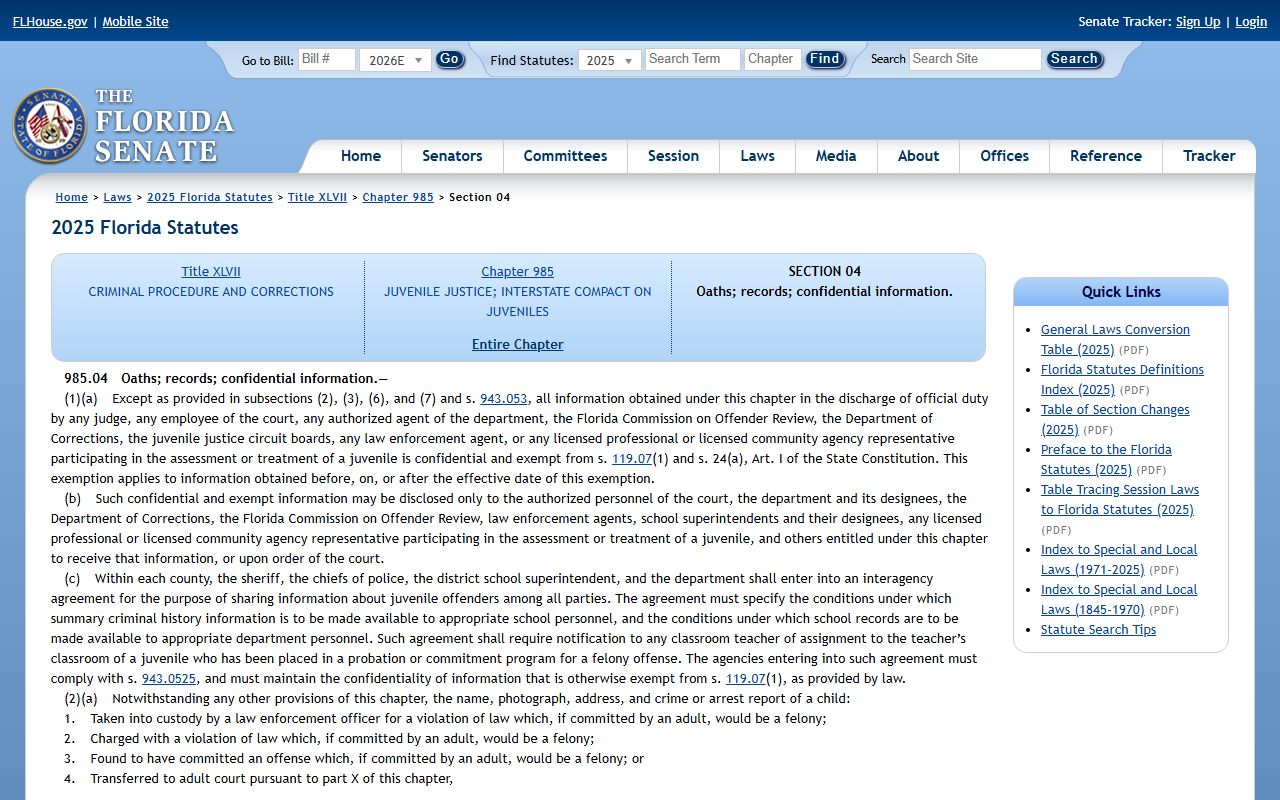
Section 985.04 is the statutory basis for keeping juvenile delinquency dockets out of the public search results on the Benchmark portal and other court systems used in St. Lucie County.
Family and Probate Docket Access
Family law dockets in St. Lucie County cover dissolution of marriage, paternity, timesharing, child support, domestic violence injunctions, and name changes. These cases are Circuit Court matters. The docket is generally public, but specific documents within the file are redacted or restricted. Financial affidavits filed in divorce cases contain income, asset, and debt information that is subject to confidentiality protections. Child information forms, which list minor children's names and identifying information, are also restricted. Social Security numbers are always redacted in public docket views.
Probate dockets cover estates, wills admitted to probate, guardianship proceedings, and related filings in the Circuit Court probate division. The Probate Records page covers probate search in more detail. On a probate docket, you typically see the petition for administration, a notice to creditors entry, an order appointing the personal representative, accountings, and the order of discharge. Guardianship dockets may contain medical and financial information subject to restricted access under court rules. When a probate or guardianship matter involves sensitive medical details, those documents may not be viewable online even if the docket entry is visible.
Note: If a case number in your search returns a result marked "sealed" or "confidential," no further detail will appear. The existence of the record is generally acknowledged, but its content requires court authorization to access.
Federal Court Dockets for St. Lucie County
St. Lucie County falls within the jurisdiction of the U.S. District Court for the Southern District of Florida. Federal cases involving St. Lucie residents or businesses, including federal criminal prosecutions, civil rights suits, employment discrimination claims, Social Security appeals, and federal contract disputes, are filed there. The Fort Pierce divisional courthouse at flsd.uscourts.gov/content/fort-pierce is the local federal venue. The District Court's main site is at flsd.uscourts.gov.
Federal dockets are not part of the Clerk's Benchmark portal. They are accessed through PACER, the Public Access to Court Electronic Records system, at pacer.uscourts.gov. PACER requires a free registration. Document access carries a per-page fee set by federal policy, though most users who spend less than a set quarterly threshold are not billed. Each federal court runs its own CM/ECF filing system, and PACER links into all of them. The screenshot below comes from the PACER site and shows the registration and access system used to search federal dockets including those for the Southern District of Florida.
The following screenshot is sourced from pacer.uscourts.gov, which is the official federal portal for accessing court dockets across all U.S. District and Bankruptcy courts.
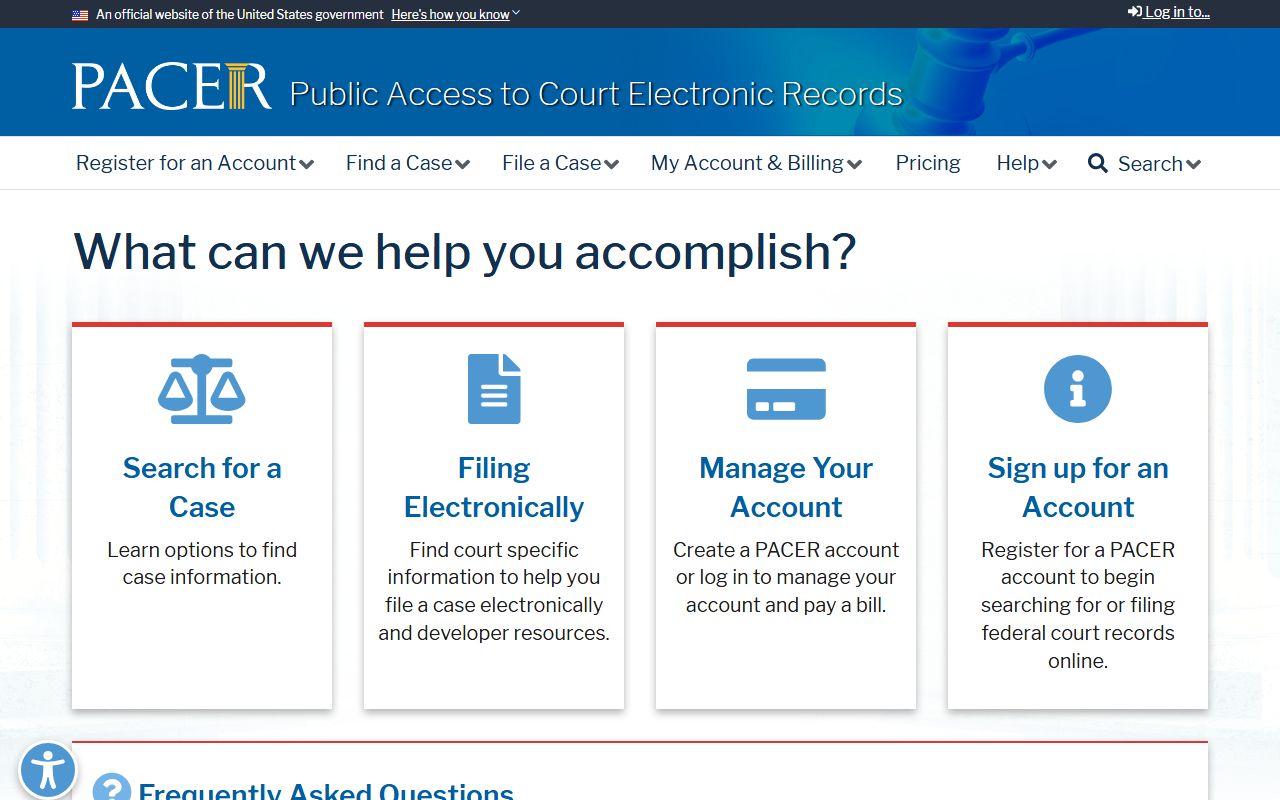
Registering with PACER gives access to all federal district and appellate court dockets, including those for St. Lucie County cases handled in Fort Pierce or the broader Southern District of Florida.
Federal bankruptcy cases for St. Lucie County are handled by the U.S. Bankruptcy Court for the Southern District of Florida at flsb.uscourts.gov. A Chapter 7, 11, or 13 case filed by a St. Lucie resident is a federal proceeding and does not appear in the Clerk's state court portal. Bankruptcy dockets also run through PACER. Federal criminal cases prosecuted by the U.S. Attorney's Office for the Southern District of Florida are in the federal criminal docket, separate from any state charges the Clerk may also have on record.
Appeals from Southern District decisions go to the U.S. Court of Appeals for the Eleventh Circuit. Eleventh Circuit dockets are also accessible through PACER. The screenshot below is sourced from the Southern District of Florida's official court website, which provides local rules, case filing information, and the Fort Pierce courthouse directory.
The following screenshot comes from flsd.uscourts.gov, the official U.S. District Court for the Southern District of Florida, which handles federal cases for St. Lucie County.
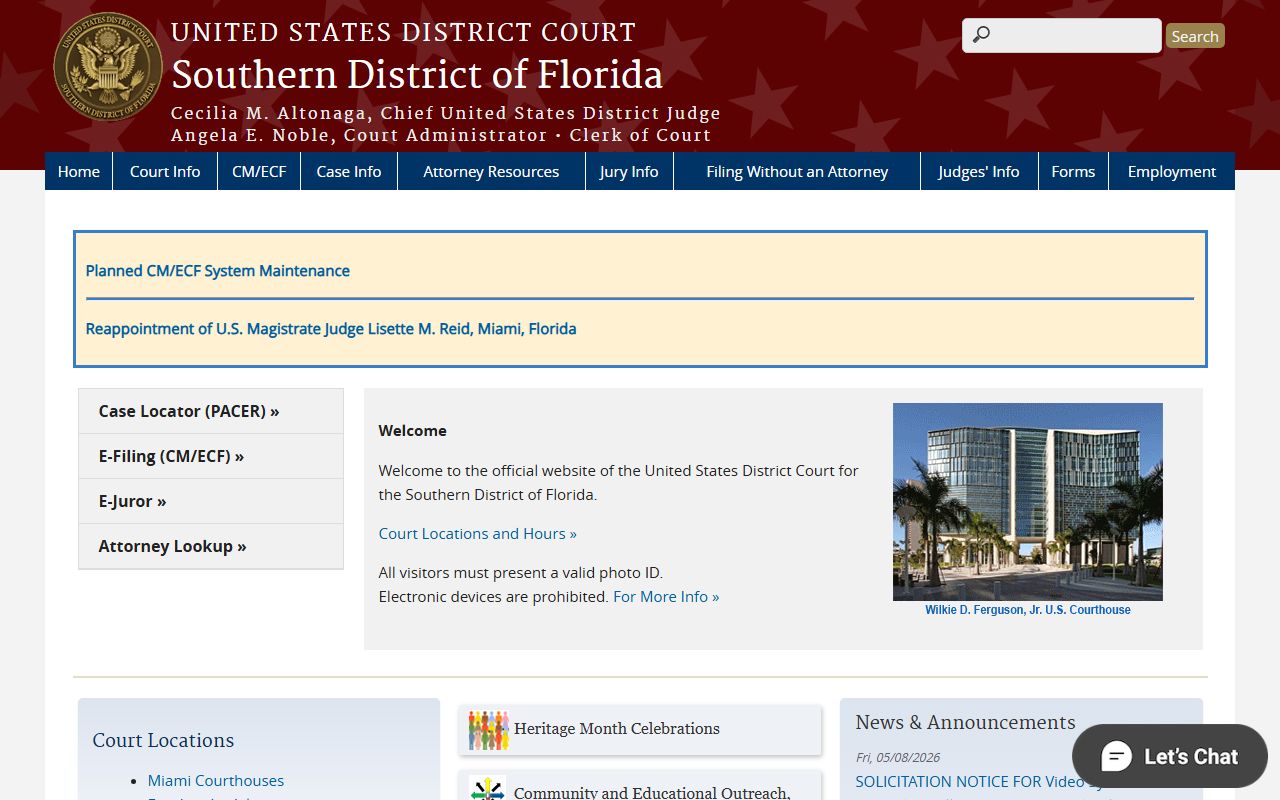
The Southern District of Florida's Fort Pierce division is the direct federal court connection for St. Lucie County, handling cases that fall under federal rather than state jurisdiction.
Missing or Delayed Docket Entries
Docket entries are not always immediate. A hearing may occur one day, but the order from that hearing might not appear in the docket for several days after the judge signs it and the Clerk processes it. Filing delays, high caseload periods, and manual entry workflows can all cause a lag between an event and its docket entry. If you know a hearing took place or an order was issued but do not see it online, wait a few business days and check again before concluding there is a problem.
Some cases simply do not appear in online search. Older cases filed before the portal's coverage window may be archived but not digitized. Sealed or expunged records will not appear publicly. Juvenile records are not accessible through the public docket search. Adoption records are confidential under Florida Statutes section 63.162 and will not show in a standard search. If you believe a record exists but cannot find it, contact the Clerk at stlucieclerk.gov/contact-us and provide the case number, party names, approximate filing date, and case type.
For records related to specific criminal charges or arrests, see the criminal records page. For the full court structure including the Circuit Court and County Court roles in St. Lucie County, see the Circuit Court page. The County Court page covers misdemeanor, traffic, and small claims docket matters in more depth.